Section Export
The Section Export plugin is dedicated to creating sectioned exports of a model.
The plugin exports a vertical section of a building model to a new Revit file. This allows users to isolate and export elements between two selected levels (floors) in a Revit project.
Features:
-
Define Export Bounds
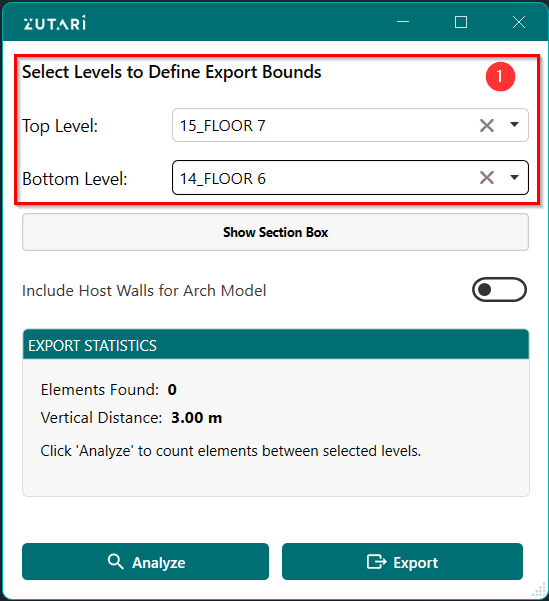
- Select levels to define export bounds. The buttons shown in figure 1.1 below allows us to to select the top and bottom levels to define the bounds of export.
-
Show Section Box
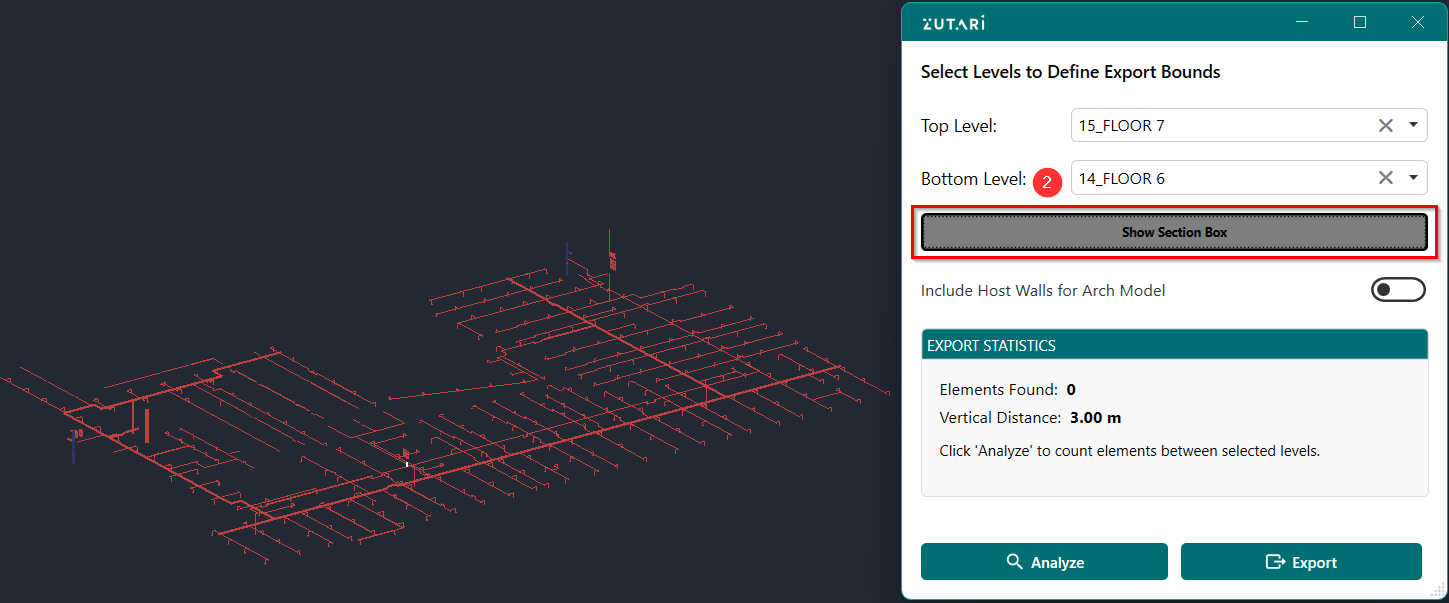
- Toggle show section box button to show level bounds in 3D. The button shown in figure 1.2 below allows us to define a section box around the level bounds.
-
Include Host Walls
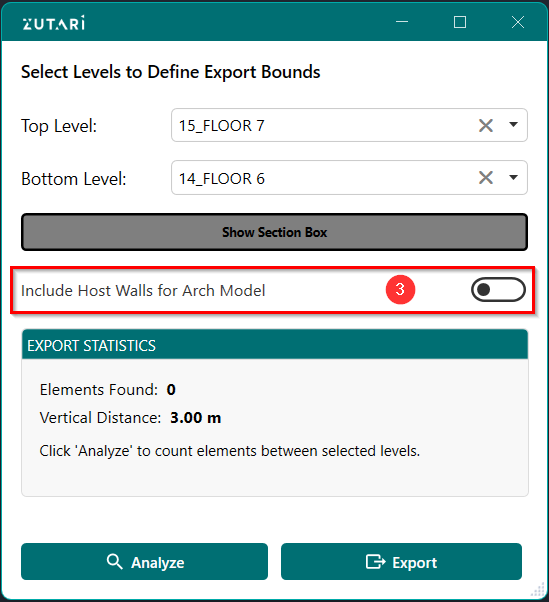
- Toggle the button to include host walls when runnin on arch model, since walls cant be cut per level. The button shown in figure 1.3 below allows us to toggle wheather the walls should be included for the arch model.
-
Analyze Model
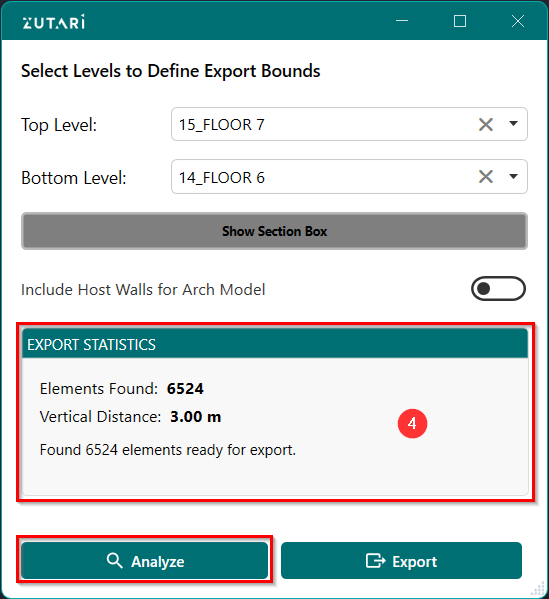
- Analyze the model by quering how many elements lie between the selected levels. The button shown in figure 1.4 below allows us to analyze the model elements between the selected levels and the data is shown in the Export statistics.
-
Export Model
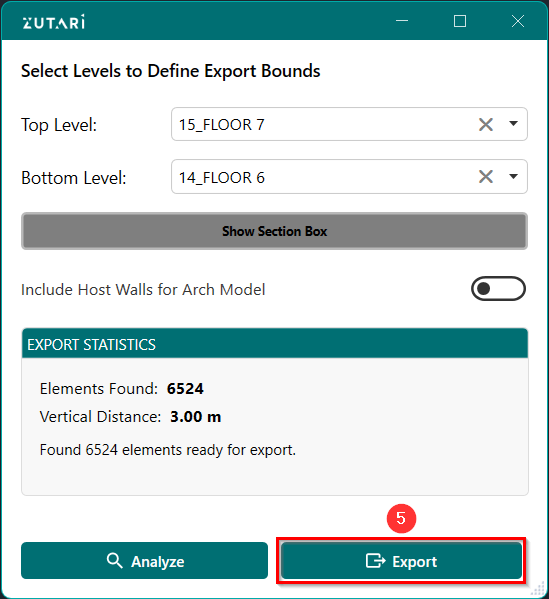
- Export all the elements between selected levels to a new file. The button shown in figure 1.5 below allows us export the elements between levels to a new Revit file setting the base level as the lowest selected level..